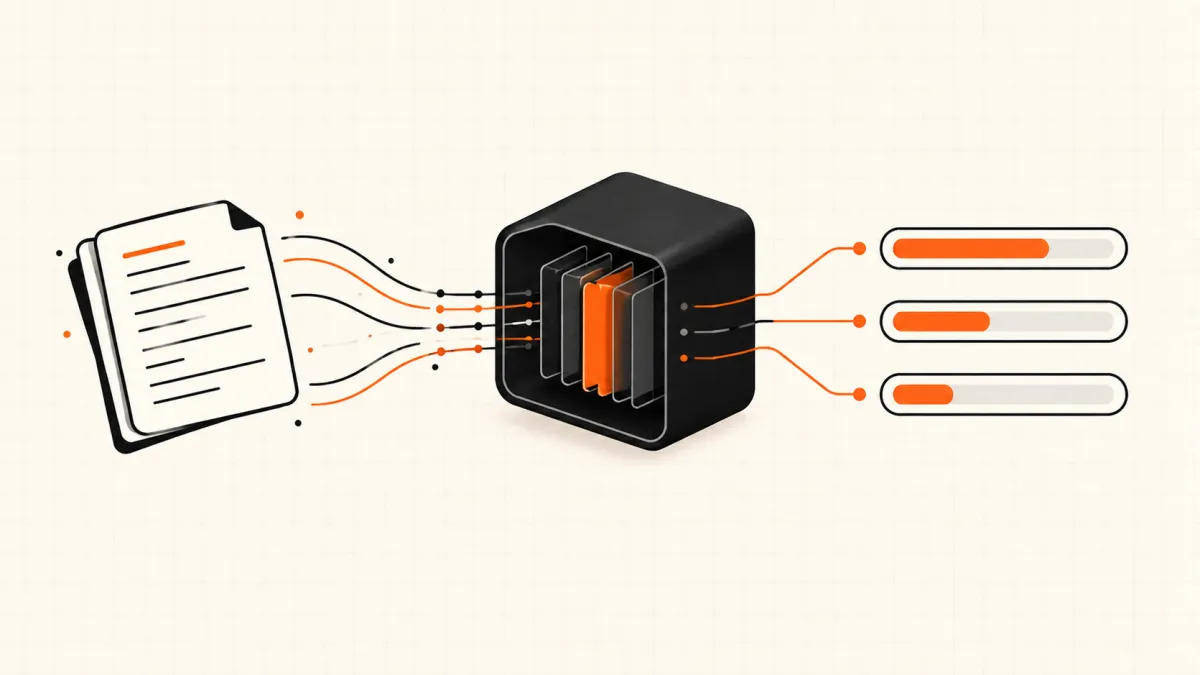
When you ask a chat LLM to output a confidence score from 0 to 100 in JSON, the numbers are notoriously uncalibrated—often clustering at 0.90 or 0.95 even when the model is guessing. Jev AI calibration is fundamentally different. TypeSafe AI trains Jev (typesafe/jev-1.13, typesafe/jev-1.14, ~typesafe/jev-latest) specifically as a System-1 decision model using RLCD (Reinforcement Learning from Calibrated Decisions) so that a predicted probability of 0.80 reflects genuine empirical likelihood rather than verbalized optimism.
This Jev AI calibration guide explains how to turn Jev's calibrated noul, choice, and score probabilities into production decision thresholds, how to balance precision against recall for moderation and routing, and why version pinning is non-negotiable once your cutoffs are tuned.
Why Jev AI Calibration Matters in Production
In real workflows—trust & safety moderation, fraud screening, support triage, and agent guardrails—false positives and false negatives rarely carry the same cost. Blocking a legitimate paying user is far more expensive than sending an ambiguous message to a secondary review queue.
Jev AI calibration lets you separate prediction from policy:
- Prediction (model job): Jev reads up to 32K input tokens of
stateviaPOST https://openrouter.ai/api/alpha/decisionsorPOST https://openrouter.ai/api/v1/systemoneand returns calibrated probabilities in ~310 ms median live latency (0.4 s / $0.0004 per case in TypeSafe's four-workflow eval; $0.042/1M input tokens, $0 output tokens). - Policy (your code's job): Your application applies asymmetric thresholds tailored to your exact risk tolerance.
| Workflow | Auto-Approve Band | Human / LLM Review Band | Auto-Block / Escalate Band |
|---|---|---|---|
| Content moderation | p_violation < 0.25 | 0.25 <= p_violation < 0.85 | p_violation >= 0.85 |
| Agent tool guardrail | p_unsafe < 0.15 | 0.15 <= p_unsafe < 0.65 | p_unsafe >= 0.65 |
| Support ticket routing | p_queue >= 0.80 | 0.45 <= p_queue < 0.80 | Fallback to general / LLM |
| RAG chunk filtering | p_relevant >= 0.55 | Drop below 0.55 | Keep top-K above cutoff |
Without strong Jev AI calibration, a three-band policy collapses because middle probabilities carry no reliable signal. To learn how TypeSafe's training pipeline produces calibrated outputs, read How Does Jev Work? RLCD, Calibration and Parallel Questions Explained.
Step-by-Step Jev AI Calibration Workflow
Even though Jev outputs calibrated probabilities out of the box, your domain phrasing and business costs still require a quick empirical Jev AI calibration pass before launch:
- Collect 200–500 labeled examples: Sample real tickets, prompts, or user posts covering both obvious cases and messy edge cases.
- Pin your model ID: Run your Jev AI calibration sweep against a fixed snapshot (
typesafe/jev-1.14ortypesafe/jev-1.13), never the rolling~typesafe/jev-latestalias. - Log raw probabilities per question: Store every returned
noul,choice, andscoreprobability alongside ground-truth labels. - Plot precision-recall curves and Expected Calibration Error (ECE): Pick an upper auto-action threshold that satisfies your precision SLA (for example,
>= 98%precision on auto-bans) and a lower auto-pass threshold that satisfies your recall SLA. - Route the middle band: Send everything between the lower and upper cutoffs to a frontier LLM or human queue.
Here is a minimal Jev AI calibration threshold evaluator in Python:
def apply_calibrated_policy(prob_violation: float, low: float = 0.25, high: float = 0.85) -> str:
    if prob_violation >= high:
        return "auto_block"
    if prob_violation <= low:
        return "auto_allow"
    return "escalate_review"
Because each live call costs roughly $0.000023–$0.000038 on OpenRouter, running a 500-example Jev AI calibration benchmark costs less than two cents and finishes in seconds.
Three Pitfalls That Break Jev AI Calibration
- Using
~typesafe/jev-latestin production: A silent model upgrade can shift probability distributions by 3–5 points, pushing borderline traffic across your thresholds. Always re-run Jev AI calibration before bumping fromtypesafe/jev-1.13totypesafe/jev-1.14. - Writing ambiguous questions: Double-barreled
noulquestions ("Is this spam or off-topic or abusive?") smear probability mass across unrelated policies. Split each policy into its own parallel question—Jev evaluates them together in one pass. - Treating
0.50as a universal cutoff: A fixed0.50split ignores asymmetric error costs. Always derive custom lower and upper thresholds from your own Jev AI calibration validation set.
You can test how question phrasing shifts probabilities live on the Jev AI Model Playground, then check full accuracy figures in TypeSafe AI Jev Benchmarks and Jev AI Moderation.
Frequently Asked Questions
What makes Jev AI calibration better than asking an LLM for a confidence score?
Chat LLMs generate confidence numbers as text tokens, which are typically overconfident and poorly calibrated. Jev AI calibration comes from TypeSafe's RLCD decision-model architecture, which directly outputs calibrated probabilities for noul, choice, and score schemas.
How many labeled examples do I need for Jev AI calibration?
200–500 representative examples are usually enough to plot precision-recall tradeoffs and lock in upper and lower thresholds for Jev AI calibration at under $0.02 in API spend.
Should I re-run Jev AI calibration when upgrading from jev-1.13 to jev-1.14?
Yes. Always run your validation set against the new pinned snapshot (typesafe/jev-1.14) and verify precision and recall before switching production traffic.
Can I apply Platt scaling or temperature scaling on top of Jev AI calibration?
Usually Jev's native probabilities are well-calibrated enough that threshold tuning alone suffices, though you can fit a simple monotonic calibrator on your validation set if your domain has extreme class imbalance.
Sources
- TypeSafe AI Documentation — Introduction — Official
noul,choice, andscoreprobability outputs and RLCD overview. - OpenRouter — typesafe/jev-1.13 Model Page — Model endpoints, 32K input context, and $0.042/1M input pricing.
- TypeSafe AI Workflow Evals — Published four-workflow evaluation (0.4 s / $0.0004 / 67.8% agreement).
- Guo et al. (ICML 2017) — On Calibration of Modern Neural Networks — Foundational paper on Expected Calibration Error (ECE) and probability calibration.