
Jev-Omni: The Open Multimodal Decision Model
Jev-Omni gives images, audio and video the calibrated yes/no, choice and score answers Jev gives text, on your own hardware.
It is a 12B open model you download, not a service you call. Here is what it claims, how to run it, and when hosted Jev fits better.
- Gemma 4 12B IT base
- Apache-2.0 weights
- Text, image, audio, video
- No generated tokens
Jev AI Use Cases You Can Run Now
Nine jobs teams hand to Jev AI instead of a general-purpose LLM. Each tab loads sample text and questions — edit either, run the Jev AI model, and read back answers you can drop into an if statement.
Decide which team owns an inbound ticket, how fast it has to be answered, and whether it can be closed by an automated reply — before a human reads it.
1Text
Support ticket294 / 100,000
2Questions
4 in this requestEditing is free. Sign in and you come straight back here with your text and questions — no card needed.
3Answers
Sample · real Jev outputWhich team should handle this ticket?
- billing100%
- technical0%
- sales0%
- account0%
- abuse0%
How urgent is this ticket?
Does this ticket need a human reply?
Is the customer asking for a refund?
Recorded 2026-09-30 on typesafe/jev-1.13-20260917562 input tokensEdit the text or questions, then run for a live answer.
What it is
What Is Jev-Omni?
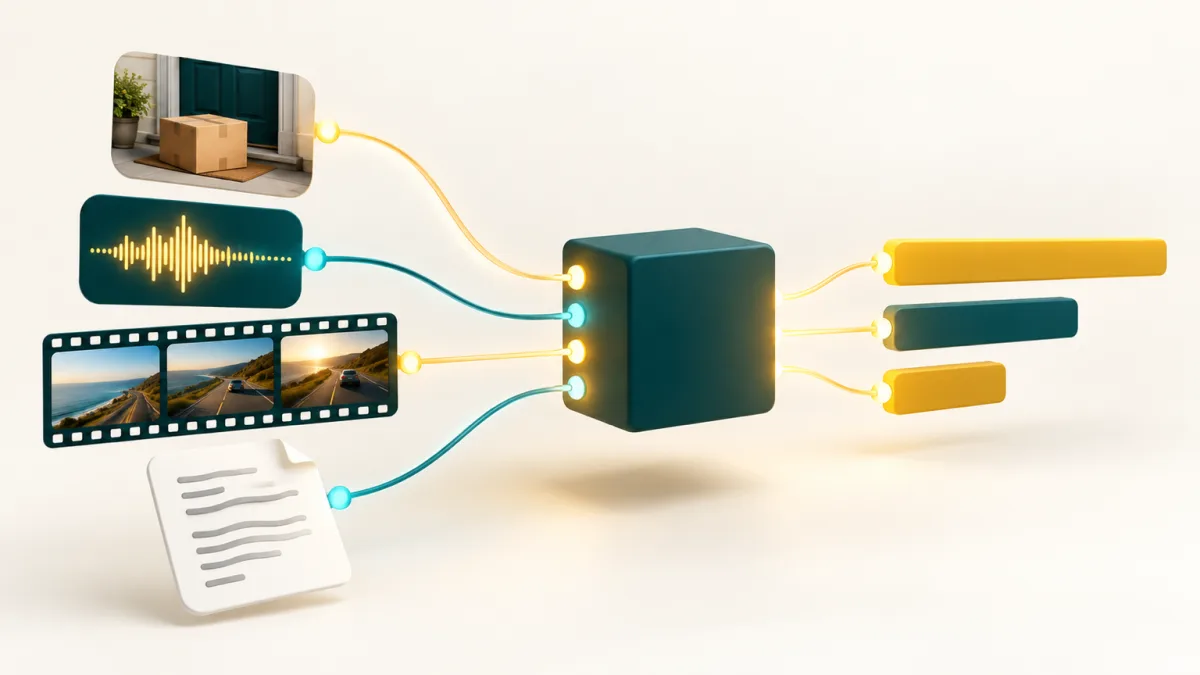
Jev-Omni is an open-weights decision model that reads text, images, audio and video and returns a probability for every option instead of generated text: one state, one question, a list of options, and a distribution back.
It is independent work. The account akhilaaa3 published the Jev-Omni model card on Hugging Face on 20 September 2026. TypeSafe AI has shipped no model by that name; Jev-Omni borrows the Jev noul, choice and score questions.
Under the hood, Jev-Omni is Google’s Gemma 4 12B IT plus a classification head, fine-tuned on 30,000 decision questions. The media encoders come from Gemma 4, so one checkpoint covers all four inputs.
- Base model
- Gemma 4 12B
- Licence
- Apache-2.0
- Options per question
- ≤ 20
- Media limits
- 30 s / 16 frames
Plus a decision head
Dataset rights separate
Tested range
Audio / video
How to choose
Jev-Omni or Jev: Which One Fits Your Decision?
Most triage and routing work starts as text, which usually decides it.
Reach for Jev-Omni when
- The decision is about a photo, a screenshot, a voice note or a few seconds of video.
- The input cannot leave your machines, and a GPU or Mac can run 12B.
- You want open weights you can pin, inspect and fine-tune under Apache-2.0.
Reach for Jev when
- Your state is already text, or an OCR pass can make it text.
- You want a hosted API with nothing to install and no GPU to keep running.
- You ask several questions about one input: Jev reads it once per call.

Inputs and speed
What Jev-Omni Reads, and How Fast
Medians from the Jev-Omni card, 20 warm requests on an H200 GPU. Consumer hardware is several times slower.
Text: 83 ms
About 2,000 tokens of state, such as a support ticket, scored in one pass.
Image: 26 ms
One image per request: a product photo, a screenshot or a camera frame.
Audio: 31 ms
A 13-second clip. Audio is capped at 30 seconds, so it suits voice notes, not meetings.
Video: 504 ms
Sampled to 16 frames: fine for a short clip, lossy for a long one.

Published results
Jev-Omni Benchmark Results, Read Carefully
Every number below is from the Jev-Omni card, measured by its author. Micro accuracy counts every question once.
| Benchmark | Scope | Accuracy | Micro accuracy |
|---|---|---|---|
| DecisionBench Medium | 80 scenarios, 293 questions | 87.57% | 86.01% |
| JevBench, matched subset | 195 groups, 231 decisions | 86.15% | 87.45% |
| MMAU (audio) | 1,000 questions | not reported | 63.10% |
| MVBench (video) | 14 tasks, 2,786 questions | 53.10% | 53.09% |
The card reports a calibration error of 0.0400, so a 90% answer should be right about nine times in ten on that set, and the DecisionBench dataset is public.
The MLX 4-bit port re-ran public JevBench on a Mac and scored 85.90%. Still, a confidence score only earns trust on your own data, so label a few hundred real cases first.
Running it
How to Run Jev-Omni: GPU, Mac, GGUF or Browser
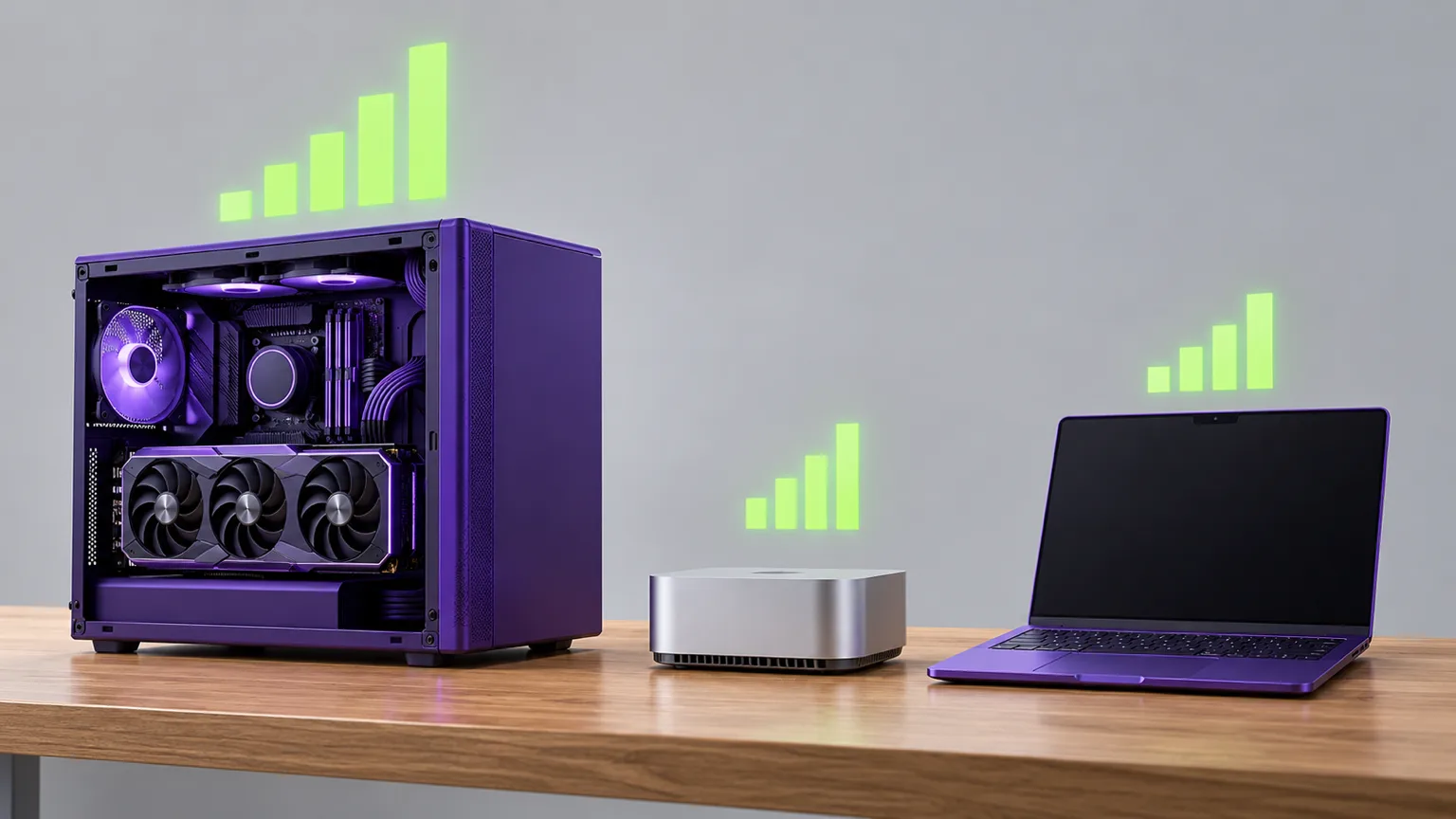
Jev-Omni ships as weights plus a Python loader. Four routes exist, each trading memory against speed.
CUDA GPU, the original checkpoint
The reference route. FP32 weights take about 50 GB, so plan on a data-centre GPU or a large workstation card.
Mac with Apple Silicon, via MLX
An independent MLX 4-bit conversion of Jev-Omni runs on a 16 GB M4 Mac mini at about one second per text or image decision.
GGUF with llama.cpp
A Q4_K_M GGUF build is 6.87 GiB on disk and ran at 0.2 seconds per decision on a laptop RTX 5080. Use its adapter: plain llama-cli skips the decision head.
In the browser, on WebGPU
jev-omni.js runs Jev-Omni in Chrome after a 13.6 GB download, text and images only. It is the nearest thing to a Jev-Omni demo.
pip install -r https://huggingface.co/akhilaaa3/Jev-Omni/resolve/main/requirements.txt
# ffmpeg is also required for audio input

from huggingface_hub import snapshot_download
path = snapshot_download("akhilaaa3/Jev-Omni")
import sys; sys.path.insert(0, path)
from jev_omni import load_jev_omni

classifier = load_jev_omni()
result = classifier.predict(
    state="The meeting starts at 10 AM. It is now 9 AM.",
    question="Has the meeting started?",
    options=["Yes", "No"],
)
# images, audio or video: add media="/path/to/file", modality="image"
There is no hosted Jev-Omni API; wrap this loader in your own endpoint.
Limits
What to Know Before You Build on Jev-Omni
One question per call
The state is re-sent for every question, which the card counts as 2.82 times the input tokens on its test set.
Quantized builds drift
The 4-bit builds kept most top answers but moved some probabilities by over 0.2. Re-check thresholds.
Short media, no explanations
Thirty seconds of audio, 16 video frames, and no reason given for a pick.
Real cost
A Screenshot-Triage Run Costs $0.000025 on Jev
Measured on 2026-10-21 with OCR text from a screenshot and three questions, on jev-1.13-20260917: 599 input tokens × $0.042 per million. Output is free. See plans and token prices.
- Input tokens
- 599
- One run
- $0.000025
- 1,000 runs
- $0.025
- 1,000,000 runs
- $25.16
Only input is billed
1.14s round trip
Similar names
Models That Sound Like Jev-Omni but Are Not
Several decision models share part of the name.
OmniJev and omnijev.net
A 4B Qwen3.5 decision model for text, images and video, at omnijev.net, now on v1.1.
OneJev
4B, 9B and 27B multimodal models, such as OneJev1.6 9B.
OmniMed-Jev
A medical-image research model on MedGemma 1.5 4B: OmniMed-Jev 4B.
Clef-Omni
Cloudflare’s Qwen3-Omni-30B-A3B decision model, served on OpenRouter.
Jev-Omni FAQ
Quick answers about Jev-Omni, how to run it and how it differs from Jev.
What is Jev-Omni?
Jev-Omni is an open-weights decision model that reads text, images, audio and video and returns a probability for every option instead of generated text. It is Gemma 4 12B IT with a decision head, published on Hugging Face under Apache-2.0.
Is Jev-Omni made by TypeSafe AI, or an official Jev model?
No. Jev-Omni is independent work that borrows the Jev question interface, and its card says it was not trained on Jev output. TypeSafe’s own Jev is a hosted model with no weights to download.
Is there a Jev-Omni demo I can try?
The closest is the community jev-omni.js port, which runs Jev-Omni in Chrome on WebGPU after a 13.6 GB download. The playground on this page runs Jev, so it answers the text half only.
Does Jev-Omni have an API?
Not from its author. A Jev-Omni API means wrapping the Python loader or the GGUF llama-server behind your own endpoint. For text decisions, the hosted Jev API on this site works today.
Can I run Jev-Omni on a Mac or MacBook?
Yes, through an independent MLX 4-bit conversion: about one second per text or image decision on a 16 GB M4 Mac mini. The original Jev-Omni checkpoint needs a CUDA GPU.
Where are the Jev-Omni Hugging Face and GitHub pages?
The weights, loader and card live on Hugging Face under akhilaaa3/Jev-Omni; other accounts host copies. GitHub has community projects such as the jev-omni.js browser port, not an official repository.
Are Jev Omni, Omni Jev and OmniJev the same model?
Jev Omni, Omni Jev and jev - omni are other spellings of Jev-Omni. OmniJev is a different 4B model on Qwen3.5, with its own site at omnijev.net and a v1.1 release.
How does Jev-Omni compare with Clef-Omni?
Both are open multimodal decision models. Clef-Omni is Cloudflare’s Qwen3-Omni-30B-A3B fine-tune, served on OpenRouter; Jev-Omni is a 12B Gemma model you run yourself. Test both on your own labelled sample.
Start With the Text You Already Have
Paste a ticket or OCR text and read back a probability for every option. Sign-in comes with five free credits.